A long week to put it simply. With class and football season starting up and being thrown into the mix of finishing the internship strong. I was still working in the same floor going through the routine of clash detection. Megan’s wondrous trick of the week for me was within Navis again. You can move and manipulate the conduit within Navis to gauge how much you have to move something on vertically or horizontally. Transforming and being able to see what the move will look like in Navis before I change it in the model is a game changer. Unlike using the measuring tool to just get the calculation of how far I need to move the conduit, I get to actually see what the result will be for an entire run or the specific clash I am trying to avoid. This tool has a similar function to adjusting and transforming the entire floor and sections of what you are able to see
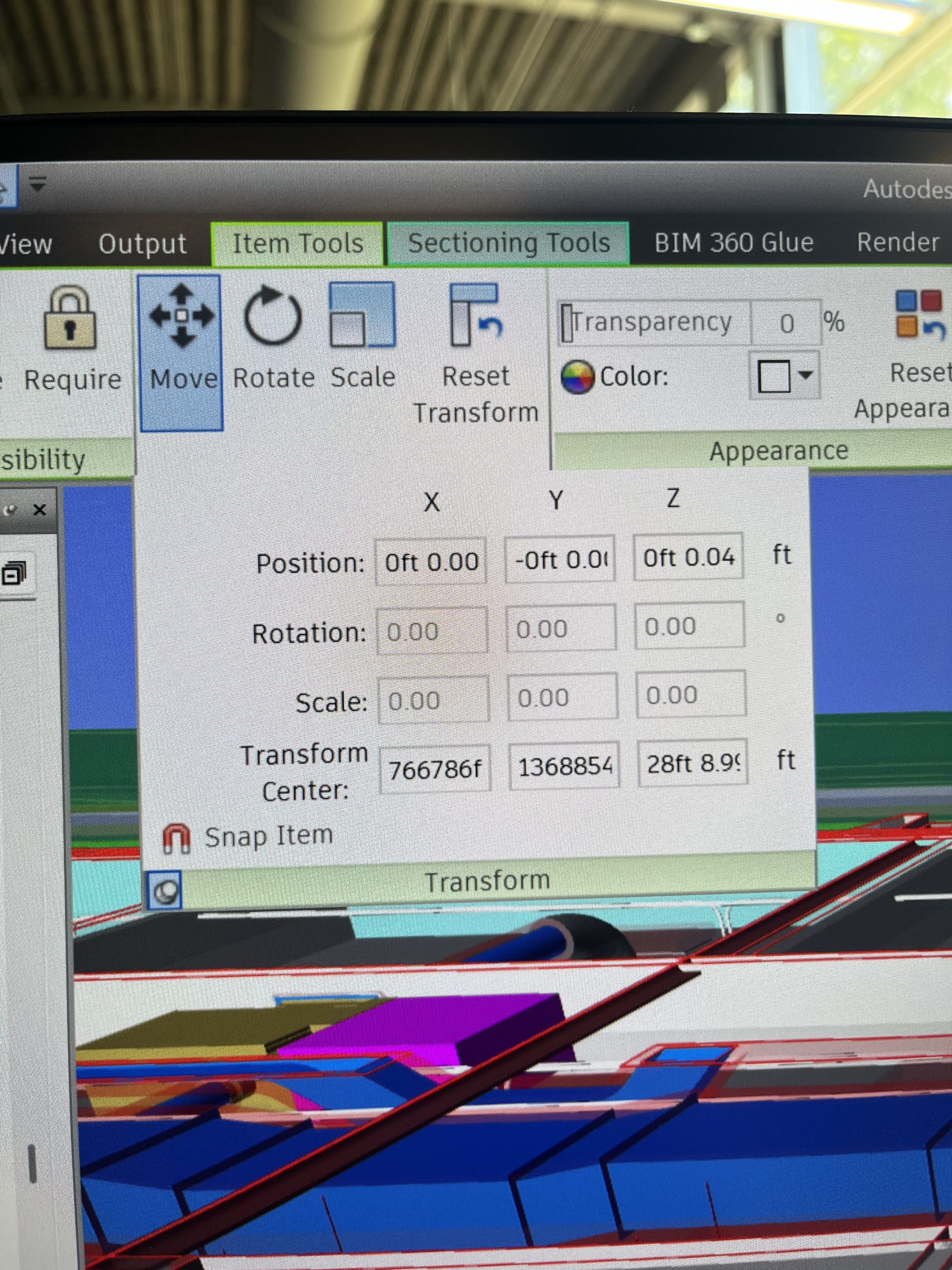
The highlighted blue box in the bottom left corner allows you to pin the screen down so you don’t have to keep opening it up as you move around.
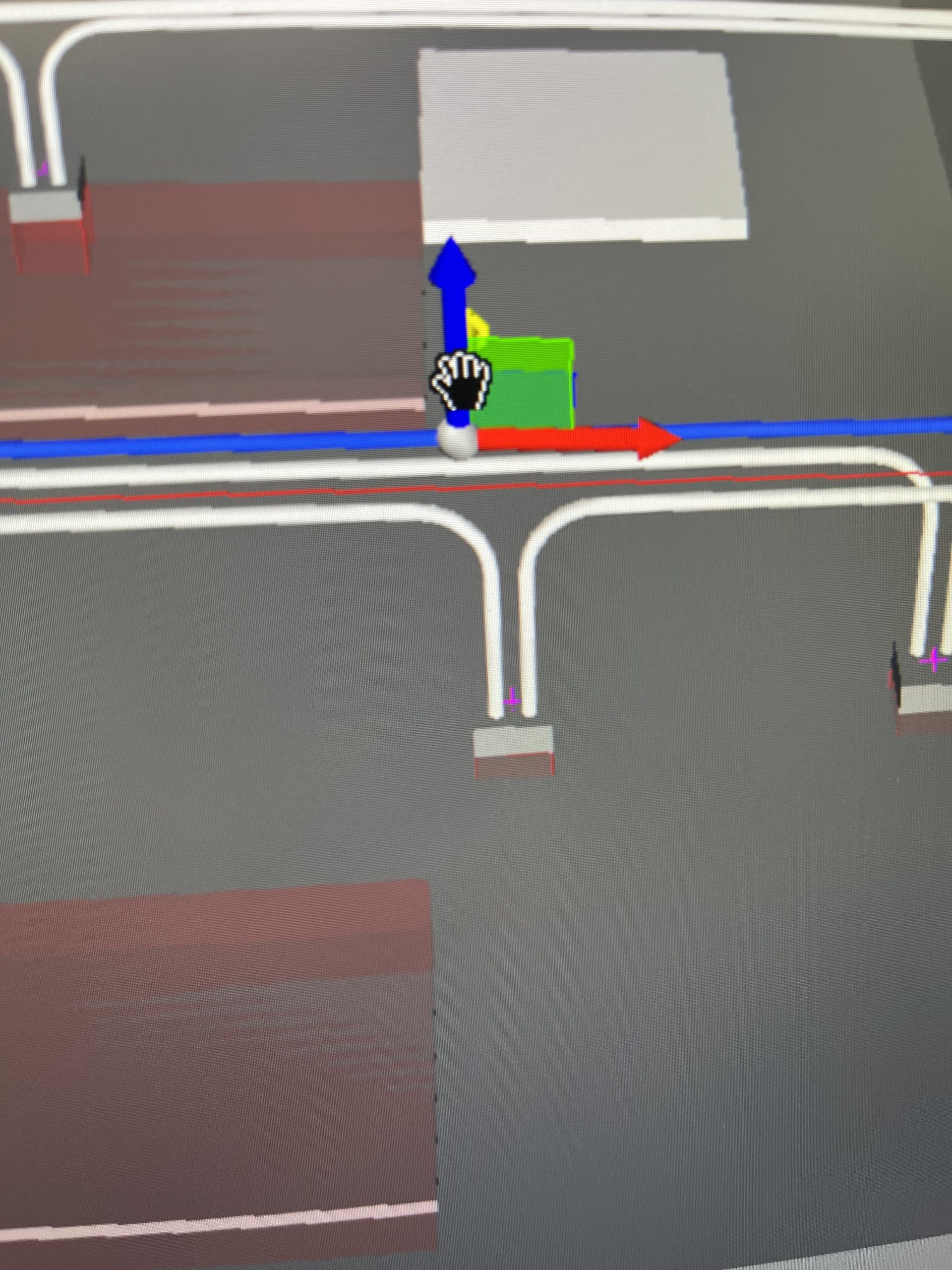
The blue red and green arrows is exactly the same for when using the move tool for sectioning off areas and different levels.
Next week will be more of the same work until the exit interviews and the wrapping up of the summer. Discussing the work I’ve done, and laying down what the next steps look like here at Miller! This summer has definitely flown by!
Those 3 arrows look very familiar. I’ve been learning Unity the last few weeks & the move interface is similar. Again, this summer work should set you up well for our courses in 3D Modeling and Game Design.