Actual work! This week I was able to participate in some actual working projects that the company is working on. I cannot disclose the details of the project but I can report that I was able to apply many of the skills I had been learning in the video tutorials and practice model. Putting together these runs of conduit while avoiding and preventing clashes and obstructions by other trades or even my own conduit It is like putting together a puzzle that is always changing. Since the models are all on a cloud that everyone on the project is working on has access to. People are always updating the models and working to make it “clash free” as they say.
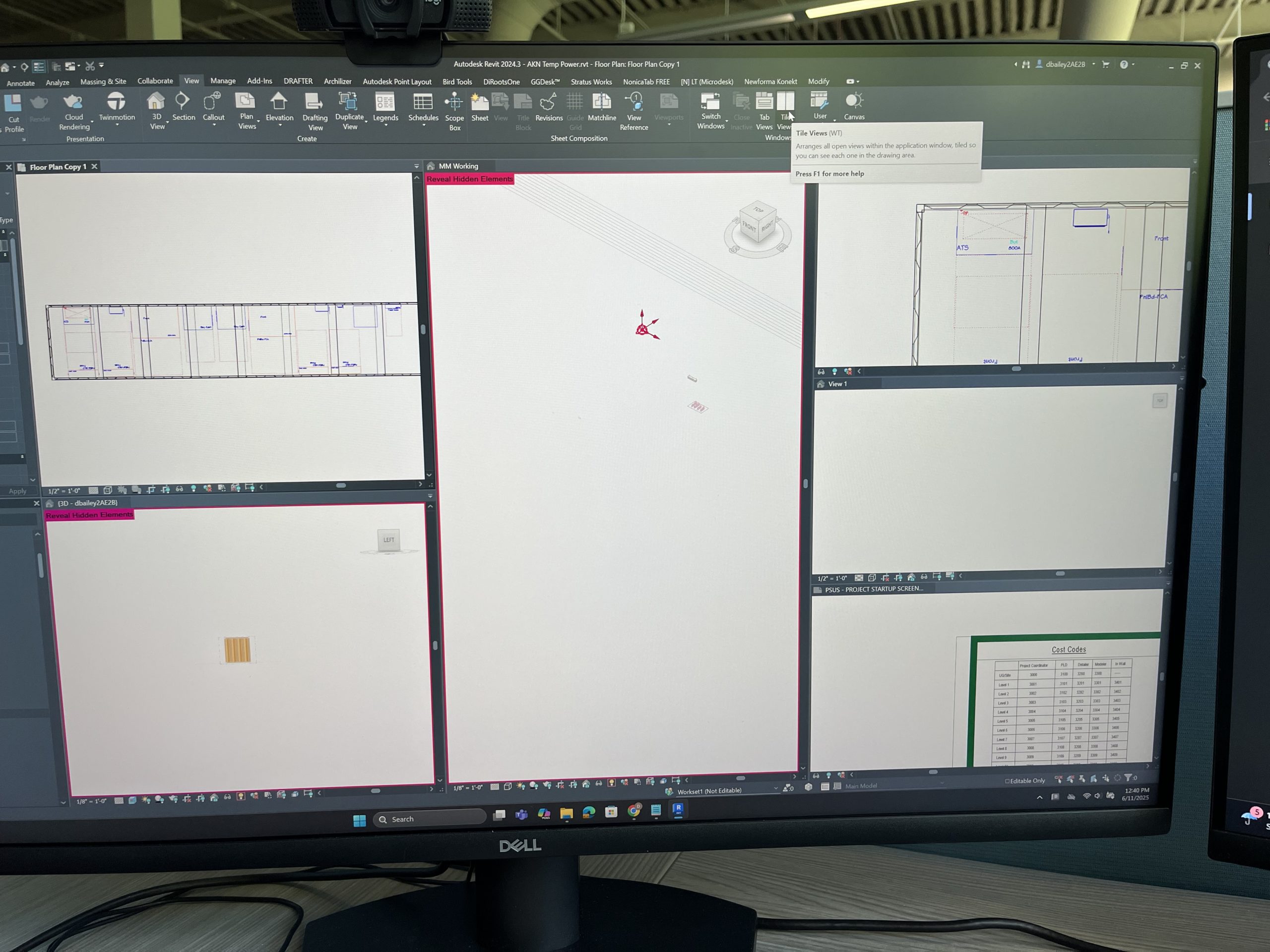
I did get to learn new skills while working on the project. I learned how to manipulate the views I have access to further. I can control the box the model sits in and size it down to cover levels and areas I do not want to see so I can get a better idea and understanding of what I am seeing. Here are some pictures from the software to try and explain further.
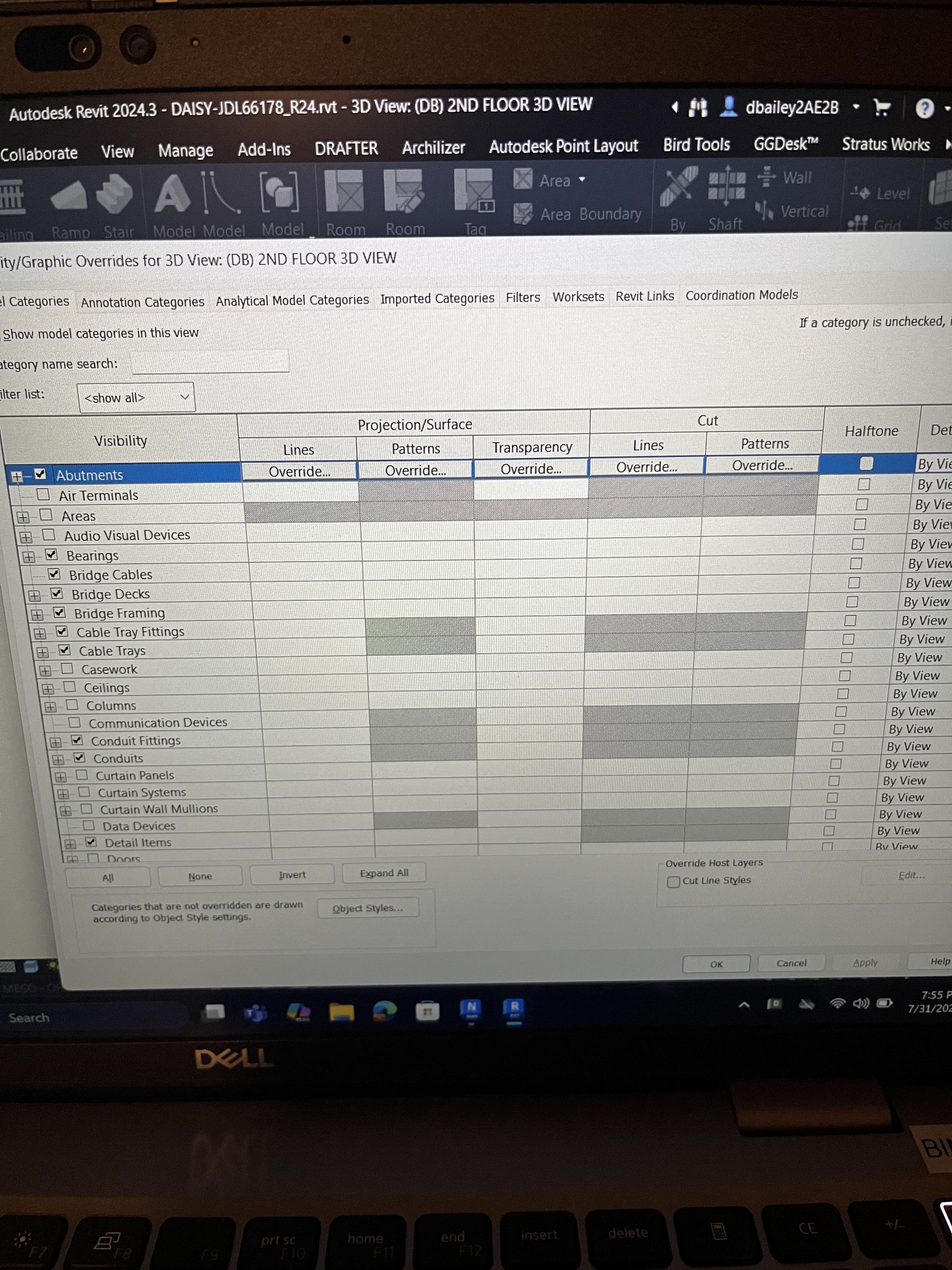
These pictures also kind of bring to light some of the other views I talked about last post.
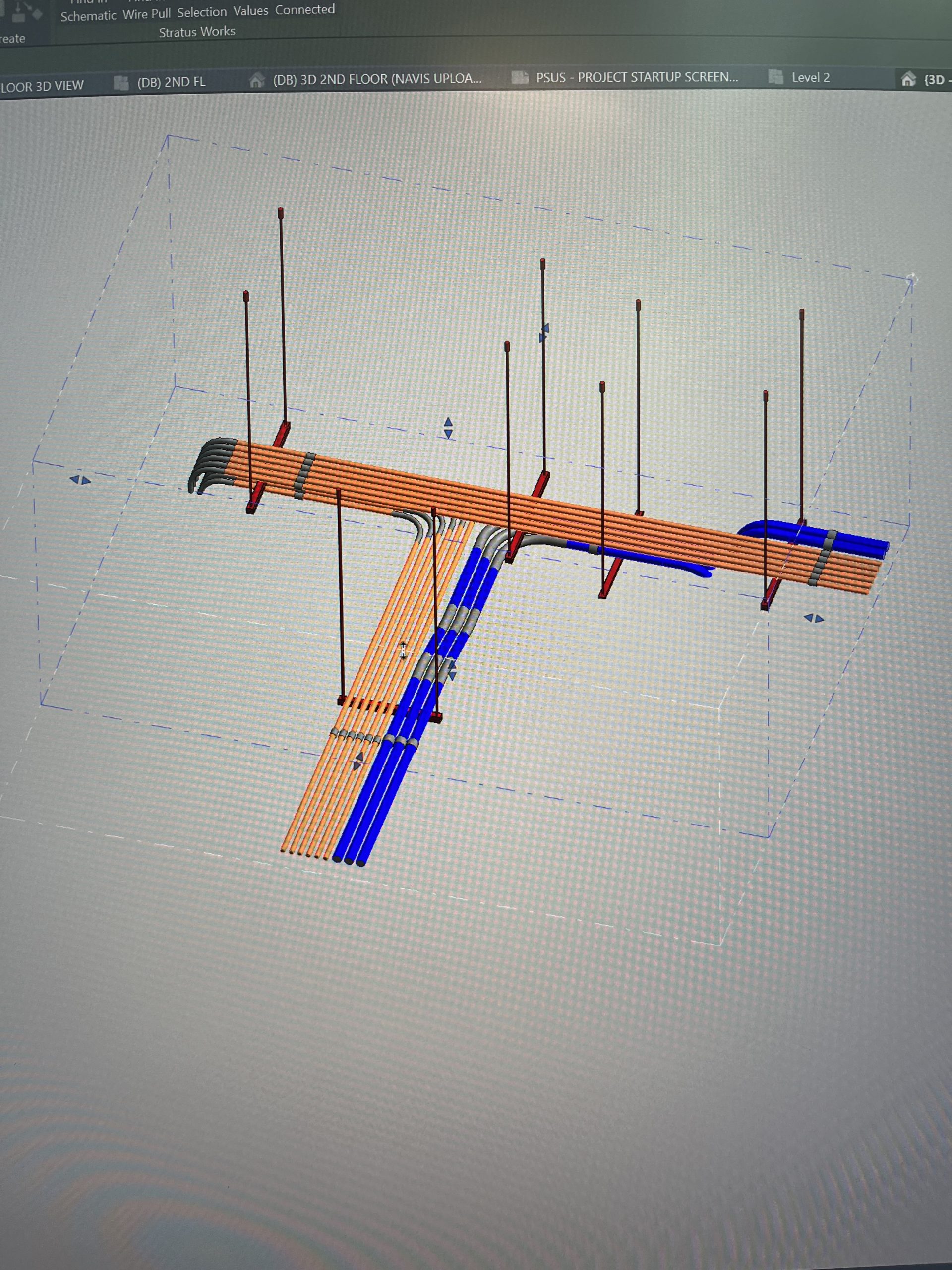
The current project I am working on is in its beginning stages. So, I have pretty much finished all I can for the project at its current point. But I hope to have an impact on it further as it progresses and gets more put in place and laid out. This internship still proves to be exciting and full of opportunities to keep learning and growing.
Thanks for the screenshots! It does help to get a visual sense of what the software looks like. Interesting to read how the software helps solve construction problems before you reach the job site. How similar/different was this software package from other 3D apps you have used before?
This is the first 3d software that I have used before. But I am taking a 3d modeling class next semester so I can see how the softwares compare then.